
← All pathwaysPathway · Website
Website and communications
Run the club website and keep members in the loop: pages, galleries and forms, email campaigns and member messages, plus the optional blog, WhatsApp and shared inbox.
For whoever looks after the website and member communications. The required courses cover the website, email campaigns and member messages. The optional ones cover features your club may have switched on: the blog, WhatsApp and the shared club inbox.
Courses in this pathway
 Getting started with AvrosphereNot started
Lessons (0 of 7 done)
About this module
- About this course2 min
For everyone
- Signing up, logging in and your account menu6 min
For staff
- The Staff Console4 min
For admins
- The Admin Panel3 min
- Users, roles and API keys4 min
- Which modules your club has4 min
Check your understanding
- Quiz: Getting started with Avrosphere8 min
 Your websiteNot started
Lessons (0 of 9 done)
About this module
- About this course2 min
For members and visitors
- The public website: pages, gallery and forms5 min
For staff
- Photo galleries3 min
- Form submissions3 min
For admins
- Site settings3 min
- The menu, pages, forms and media3 min
- Custom CSS for the site header: the basics3 min
- Custom CSS for the site header: example and names6 min
Check your understanding
- Quiz: Your website7 min
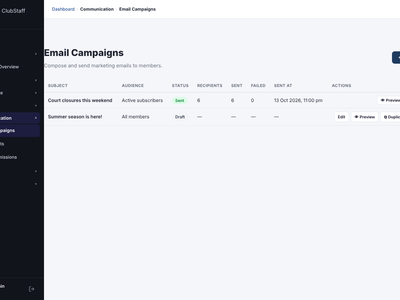 Email campaignsNot started
Lessons (0 of 5 done)
About this module
- About this course2 min
For staff
- Creating and sending a campaign3 min
- Mailing lists3 min
For members
- Unsubscribing from emails3 min
Check your understanding
- Quiz: Email campaigns5 min
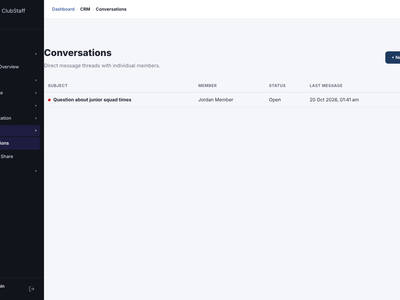 Messages and documentsNot started
Lessons (0 of 5 done)
About this module
- About this course2 min
For members
- Messages and My Documents3 min
For staff
- Conversations3 min
- Sharing documents3 min
Check your understanding
- Quiz: Messages and documents5 min
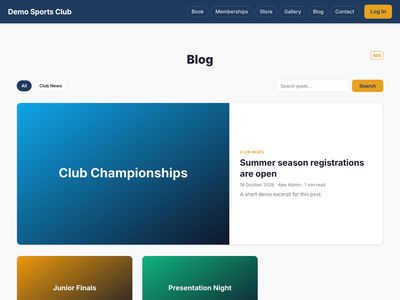 BlogNot started
Lessons (0 of 5 done)
About this module
- About this course2 min
For members
- Reading and commenting on the blog3 min
For staff
- Writing and publishing posts3 min
- Emailing posts, comments and categories3 min
Check your understanding
- Quiz: Blog5 min
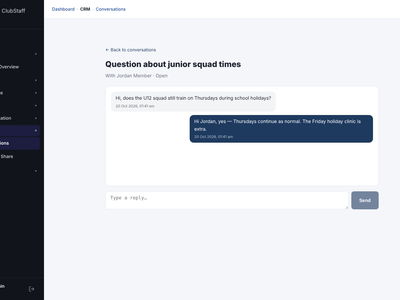 WhatsAppNot started
Lessons (0 of 6 done)
About this module
- About this course2 min
For members
- Your WhatsApp choices3 min
For staff
- What WhatsApp does and the Setup & Log page3 min
- Chatting with members on WhatsApp3 min
For admins
- WhatsApp campaigns3 min
Check your understanding
- Quiz: WhatsApp6 min
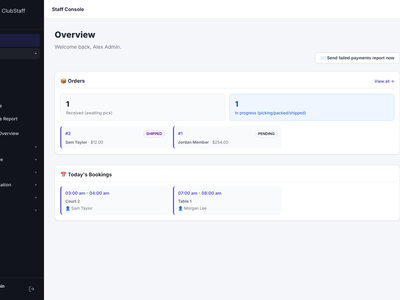 Mail: the shared club inboxNot started
Lessons (0 of 4 done)
About this module
- About this course2 min
For staff
- Using the inbox and phone notifications3 min
For admins
- Adding mailboxes3 min
Check your understanding
- Quiz: Mail: the shared club inbox4 min