
← All pathwaysPathway · Basics
Front desk and coaching staff
Everything a new staff member needs day to day: the basics, members and families, bookings, programs and attendance, and member messages.
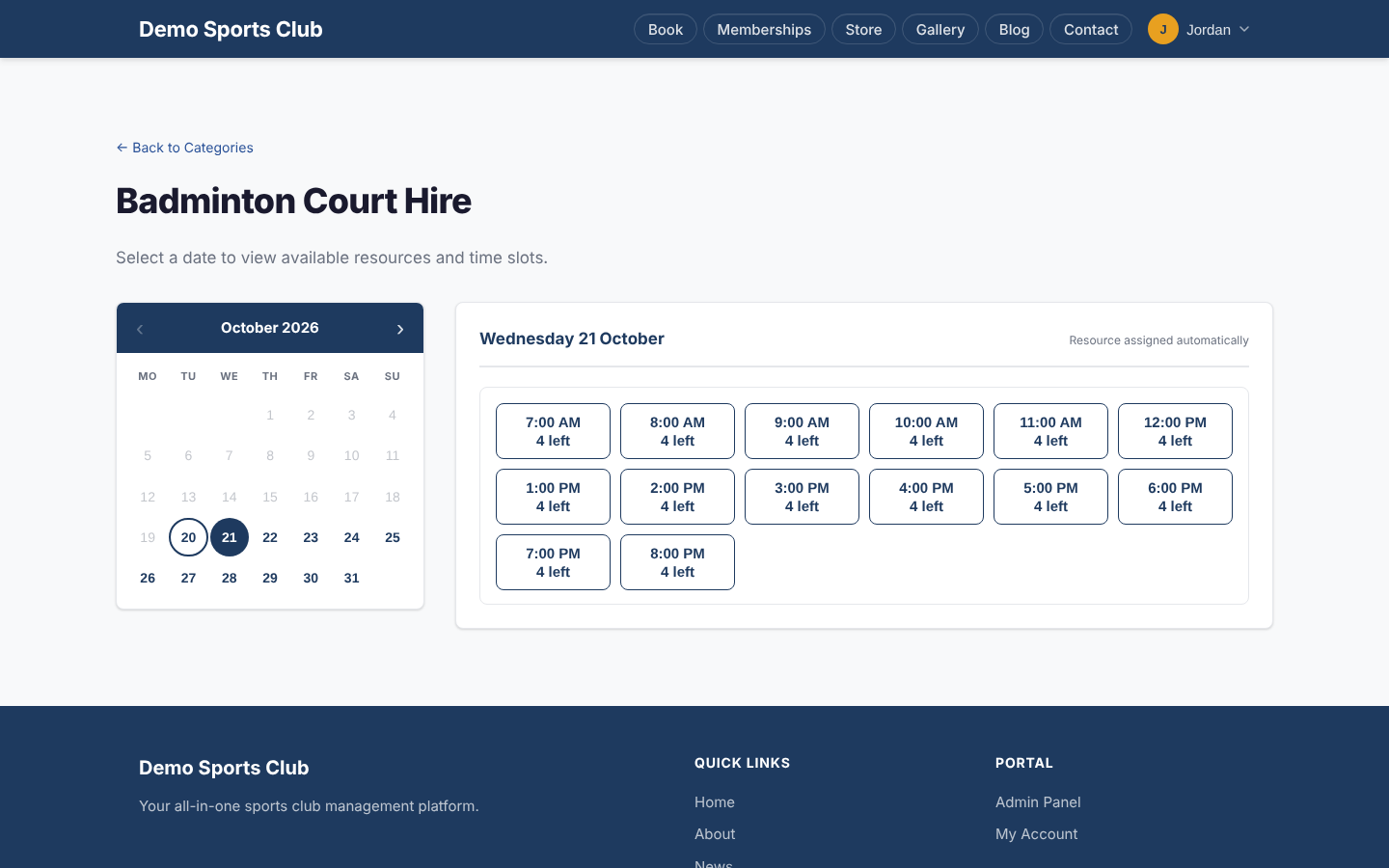
Take these courses in order. Start with the basics of Avrosphere and the Staff Console, then learn to look after members and families, run bookings, mark attendance and answer member messages. Invoices is optional, for staff who also take payments.
Finish the required courses to get your Avrosphere front desk certificate.
Courses in this pathway
Take these in order: each course opens when the required one before it is complete.
Lessons (0 of 7 done)
About this module
- About this course2 min
For everyone
- Signing up, logging in and your account menu6 min
For staff
- The Staff Console4 min
For admins
- The Admin Panel3 min
- Users, roles and API keys4 min
- Which modules your club has4 min
Check your understanding
- Quiz: Getting started with Avrosphere8 min
 Members, families and playersOpens when the course before it is complete
Lessons (0 of 7 done)
About this module
- About this course2 min
For members
- Your profile and membership card3 min
- Family members (dependents)3 min
For staff
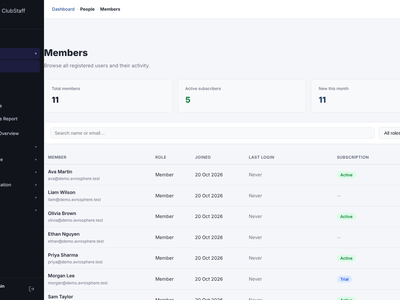
- The Members list3 min
- Checking a member at the front desk3 min
- Players3 min
Check your understanding
- Quiz: Members, families and players7 min
 BookingsOpens when the course before it is complete
Lessons (0 of 5 done)
About this module
- About this course2 min
For members
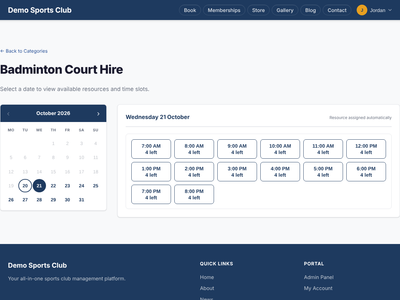
- Booking a court or table5 min
For staff
- The booking grid and Bulk Book3 min
For admins
- Setting up resources and booking rules4 min
Check your understanding
- Quiz: Bookings7 min
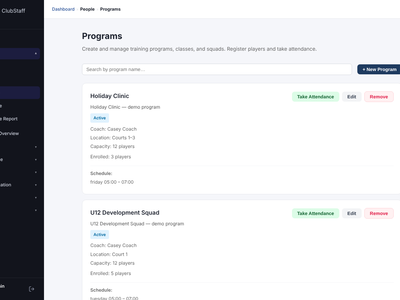 Programs and attendanceOpens when the course before it is complete
Lessons (0 of 4 done)
About this module
- About this course2 min
For staff
- Programs3 min
- Marking attendance and reports3 min
Check your understanding
- Quiz: Programs and attendance6 min
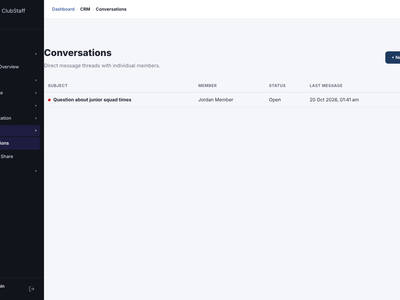 Messages and documentsOpens when the course before it is complete
Lessons (0 of 5 done)
About this module
- About this course2 min
For members
- Messages and My Documents3 min
For staff
- Conversations3 min
- Sharing documents3 min
Check your understanding
- Quiz: Messages and documents5 min
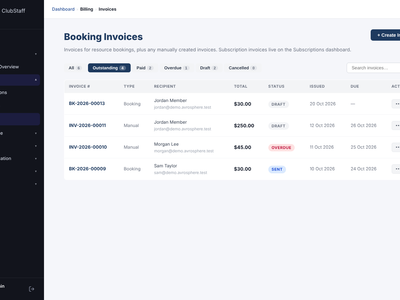
Lessons (0 of 6 done)
About this module
- About this course2 min
For members
- Viewing and paying invoices3 min
For staff
- Sending, marking paid and creating invoices3 min
- The Payments dashboard3 min
For admins
- Invoice settings and templates3 min
Check your understanding
- Quiz: Invoices and payments7 min