
← All pathwaysPathway · Admin
Club administrator
For the person who runs Avrosphere for the club: members, memberships, invoices, the website, staff permissions and backups, in order.
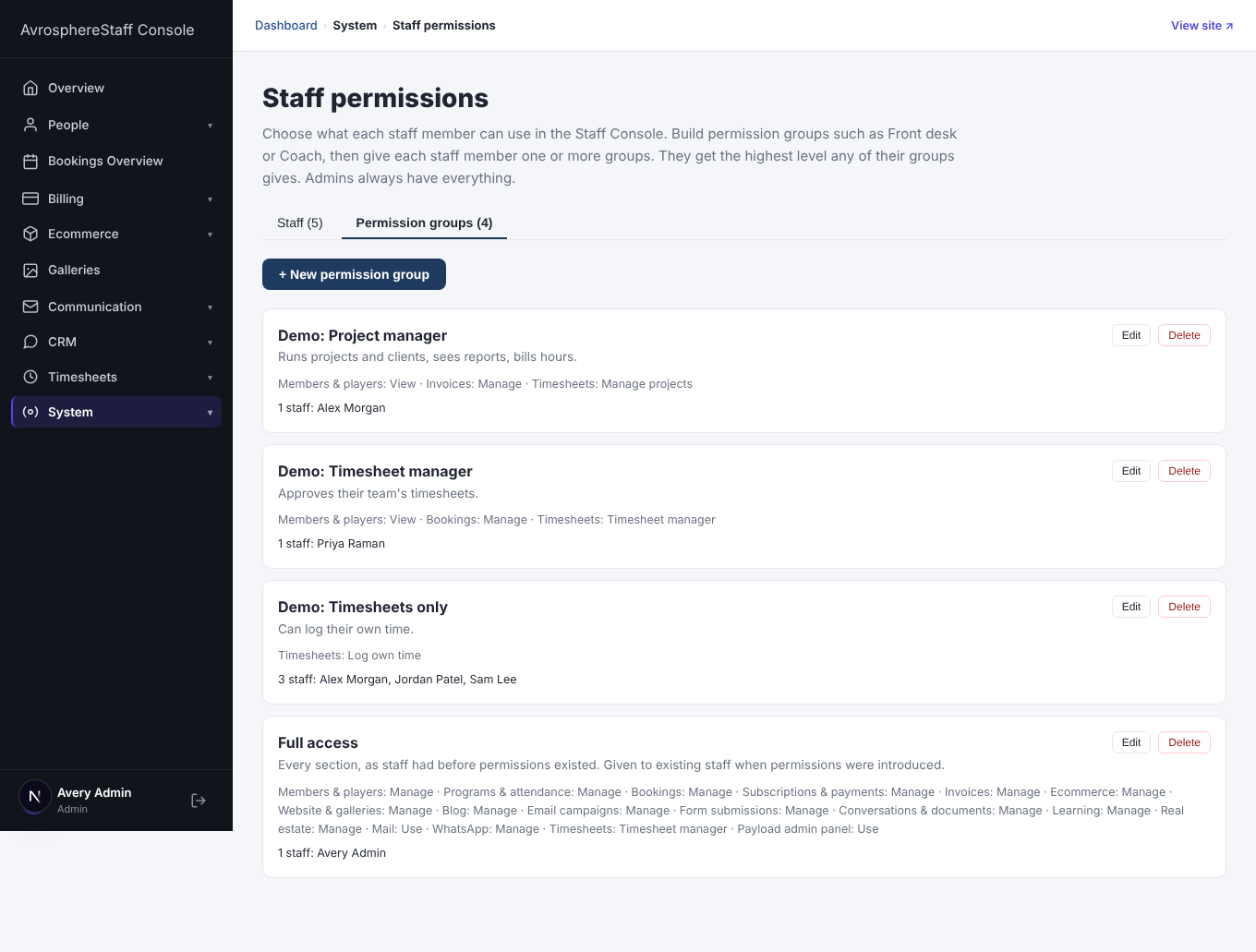
Take these courses in order to set up and run Avrosphere for your club: the basics, members, memberships, invoices and the website, then who can see what in the Staff Console, and backups. Online courses is optional, for clubs that run their own training.
Finish the required courses to get your Avrosphere club administrator certificate.
Courses in this pathway
Take these in order: each course opens when the required one before it is complete.
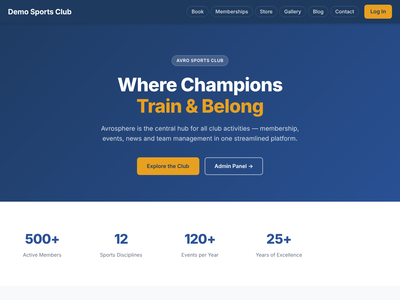 Getting started with AvrosphereNot started
Lessons (0 of 7 done)
About this module
- About this course2 min
For everyone
- Signing up, logging in and your account menu6 min
For staff
- The Staff Console4 min
For admins
- The Admin Panel3 min
- Users, roles and API keys4 min
- Which modules your club has4 min
Check your understanding
- Quiz: Getting started with Avrosphere8 min
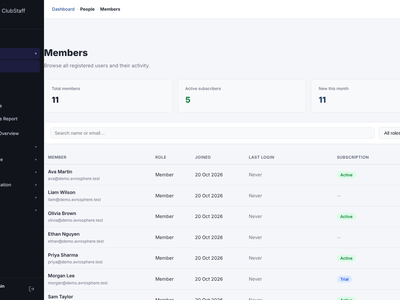 Members, families and playersOpens when the course before it is complete
Lessons (0 of 7 done)
About this module
- About this course2 min
For members
- Your profile and membership card3 min
- Family members (dependents)3 min
For staff
- The Members list3 min
- Checking a member at the front desk3 min
- Players3 min
Check your understanding
- Quiz: Members, families and players7 min
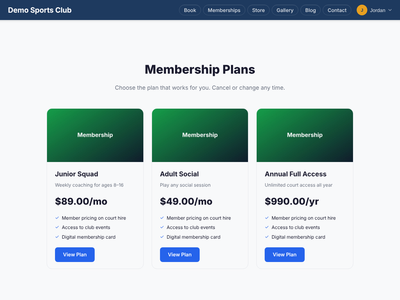 Memberships and subscriptionsOpens when the course before it is complete
Lessons (0 of 6 done)
About this module
- About this course2 min
For members
- Joining a plan and My Subscriptions3 min
For staff
- The Subscriptions dashboard3 min
- Admin actions and failed payments3 min
For admins
- Creating and changing membership plans3 min
Check your understanding
- Quiz: Memberships and subscriptions7 min
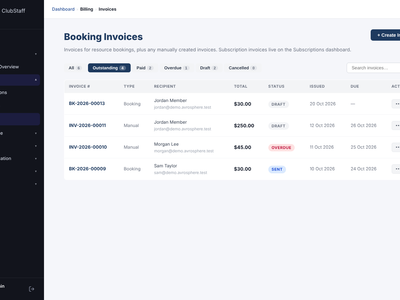 Invoices and paymentsOpens when the course before it is complete
Lessons (0 of 6 done)
About this module
- About this course2 min
For members
- Viewing and paying invoices3 min
For staff
- Sending, marking paid and creating invoices3 min
- The Payments dashboard3 min
For admins
- Invoice settings and templates3 min
Check your understanding
- Quiz: Invoices and payments7 min
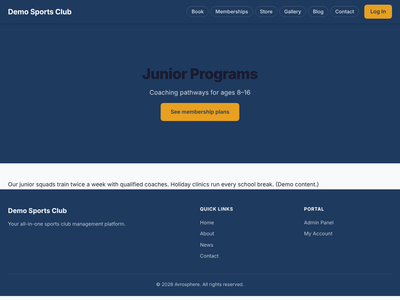 Your websiteOpens when the course before it is complete
Lessons (0 of 9 done)
About this module
- About this course2 min
For members and visitors
- The public website: pages, gallery and forms5 min
For staff
- Photo galleries3 min
- Form submissions3 min
For admins
- Site settings3 min
- The menu, pages, forms and media3 min
- Custom CSS for the site header: the basics3 min
- Custom CSS for the site header: example and names6 min
Check your understanding
- Quiz: Your website7 min
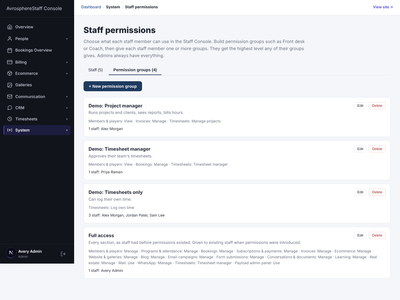 Staff permissionsOpens when the course before it is complete
Lessons (0 of 4 done)
About this module
- About this course2 min
For admins
- Staff and permission groups4 min
- What staff see without access, and what stays admin-only3 min
Check your understanding
- Quiz: Staff permissions5 min
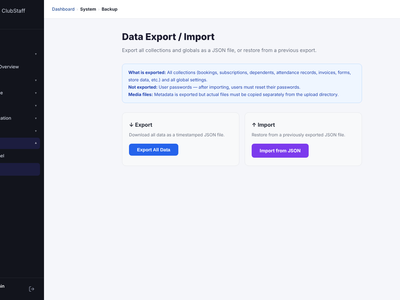 Backups and dataOpens when the course before it is complete
Lessons (0 of 3 done)
About this module
- About this course2 min
For admins
- Exporting and importing data3 min
Check your understanding
- Quiz: Backups and data5 min
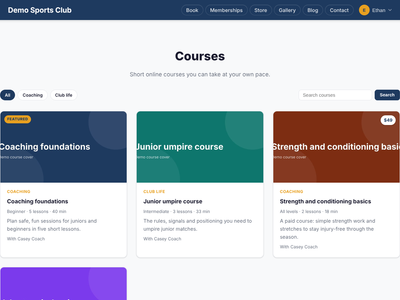 Online courses (Learning)
If your club runs its own online courses.
Opens when the course before it is completeLessons (0 of 15 done)
About this module
- About this course2 min
For members
- Finding a course and taking lessons7 min
- Quizzes, My learning, certificates and paid courses5 min
- Learning pathways3 min
- Courses with a tutor and live sessions4 min
- Courses on the public website3 min
For staff
- Building a course11 min
- Enrolling members and following progress6 min
- Certificates and paid courses6 min
- Building and running learning pathways5 min
- Tutors, tutor-led courses and classes7 min
For tutors
- Teaching: running your classes7 min
For admins
- Learning settings and deleting3 min
- Learning in the Admin Panel3 min
Check your understanding
- Quiz: Online courses (Learning)11 min